TryHackMe - Signed messages Walkthrough
A walkthrough of the TryHackMe Signed messages room, focusing on authenticity of messages by verifying digital RSA signature.
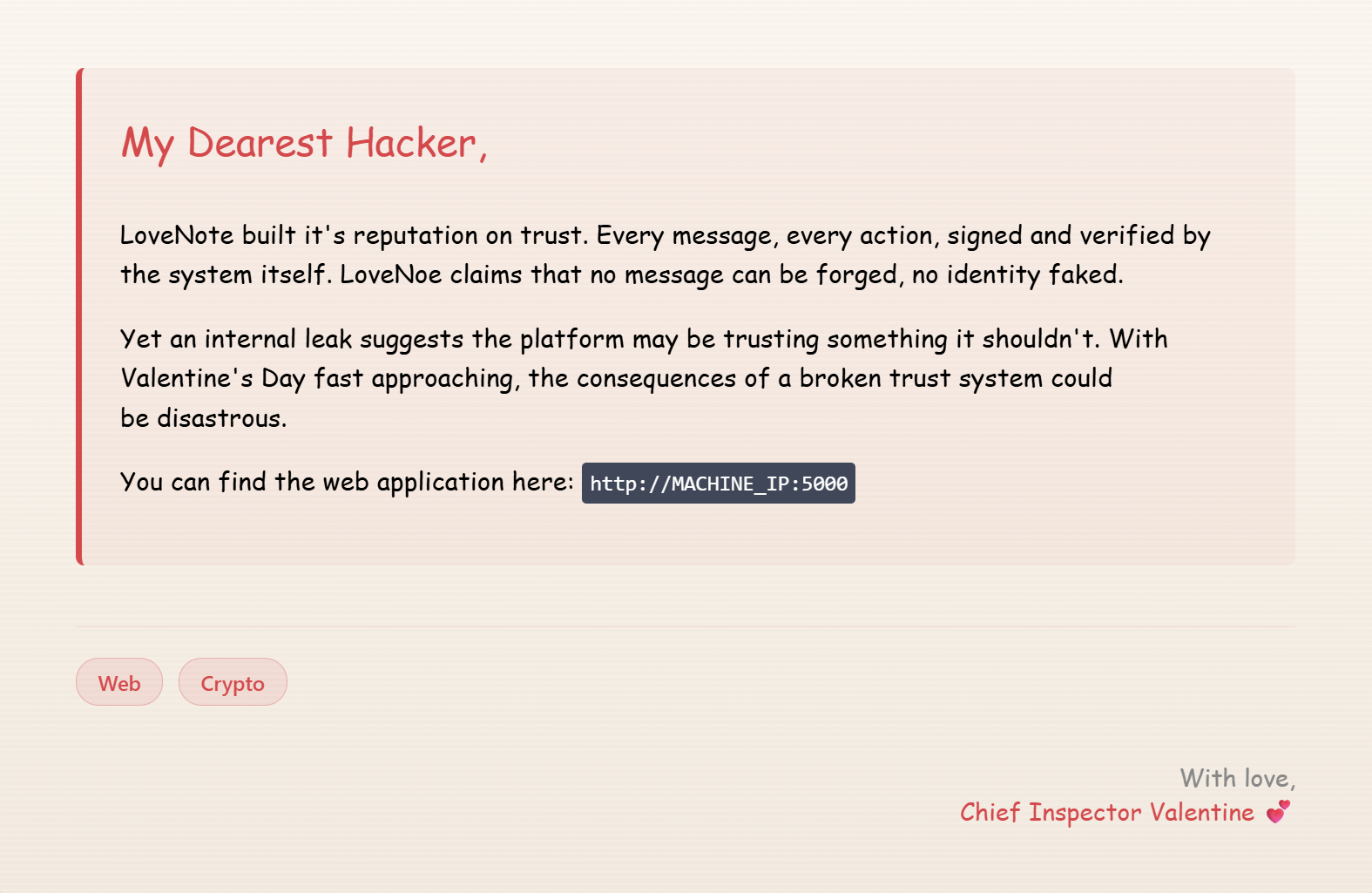
Access TryHackMe lab here: Signed messages
Reconnaissance and Enumeration
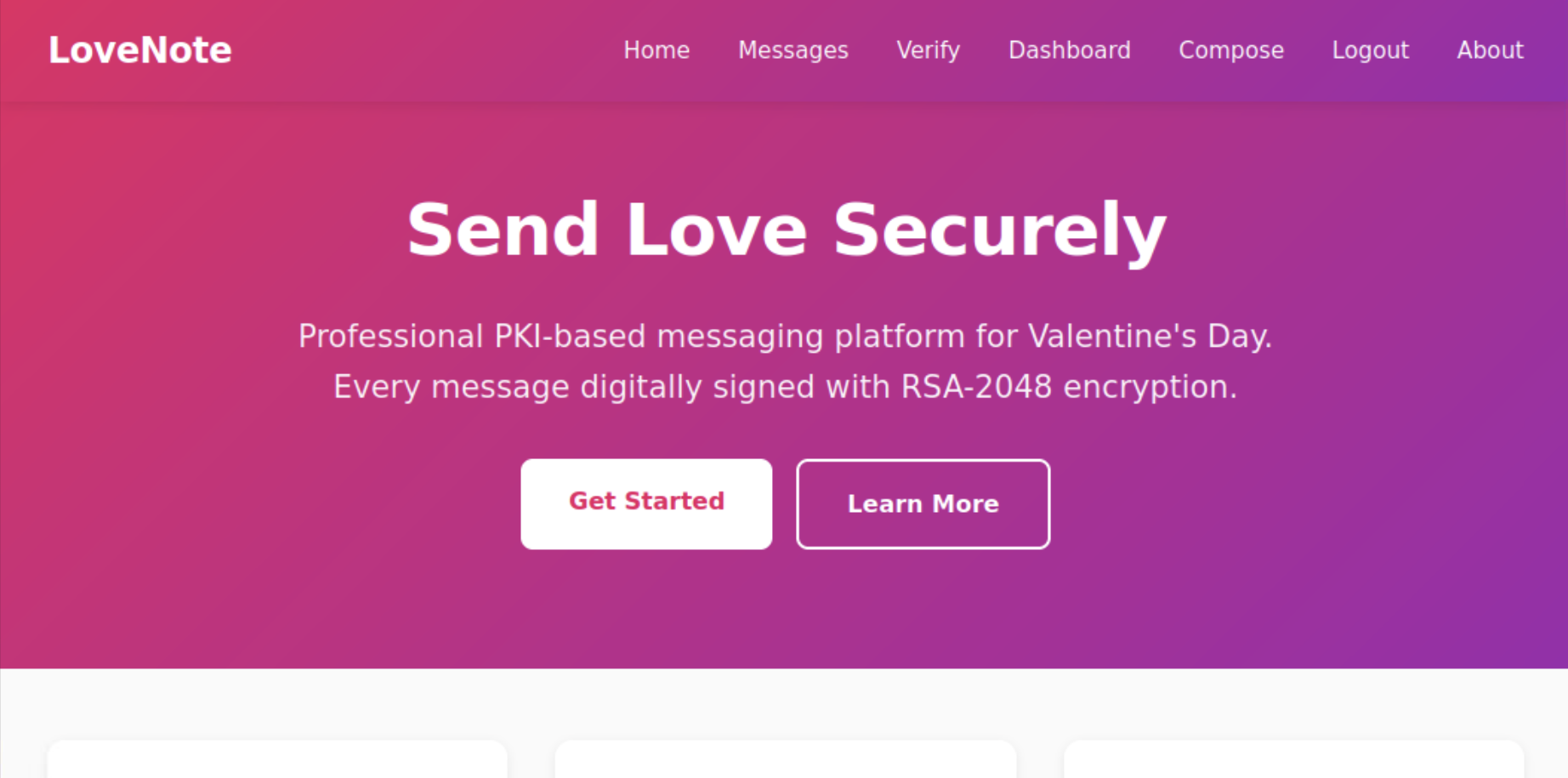
Usually, the first step in any challenge is to gather information and understand the context. As given in the instruction, we can find web application at http://MACHINE_IP:5000. After loading the application, we land on Homepage. Just look around the page opening all the tabs and sub-directories to find all the information we can get. Focus on Messages, Verify, Login and Register pages.
Scan
Let’s see if we can find any hidden sub-directories or files. We have 3 options to do that: gobuster, dirsearch and ffuf. I used dirsearch. You can use any of the tools you are comfortable with.
Use this command if you want to use ffuf: ffuf -u http://TARGET_IP:5000/FUZZ -w /usr/share/wordlists/dirb/common.txt
1
2
3
4
5
6
7
8
9
10
11
12
13
14
15
16
17
18
19
20
21
22
dirsearch -u http://10.49.188.154:5000

  _|. _ _  _  _  _ _|_    v0.4.3.post1
 (_||| _) (/_(_|| (_| )

Extensions: php, aspx, jsp, html, js | HTTP method: GET | Threads: 25
Wordlist size: 11460

Output File: /root/reports/http_10.49.188.154_5000/_26-05-16_02-58-41.txt

Target: http://10.49.188.154:5000/

[02:58:41] Starting:
[02:58:50] 200 -   15KB - /about
[02:59:09] 302 -  218B  - /dashboard  ->  http://10.49.188.154:5000/login
[02:59:10] 200 -   11KB - /debug
[02:59:23] 200 -   11KB - /login
[02:59:24] 302 -  208B  - /logout  ->  http://10.49.188.154:5000/
[02:59:27] 200 -   13KB - /messages
[02:59:43] 200 -   12KB - /register

Task Completed
We found a hidden directory /debug which is not linked anywhere on the website. Let’s check it out.
We got the following information from the debug page:
1
2
3
4
5
6
7
8
9
10
11
12
13
14
15
16
17
18
19
20
21
22
23
24
25
26
27
28
29
30
System Debug Logs

[2026-02-06 14:23:15] Development mode: ENABLED

[2026-02-06 14:23:15] Using deterministic key generation
[2026-02-06 14:23:15] Seed pattern: {username}_lovenote_2026_valentine

[DEBUG] Seed converted to bytes for cryptographic processing
[DEBUG] Seed hashed using SHA256 to produce large numeric material

[DEBUG] Prime derivation step 1:
[DEBUG] Converting SHA256(seed) into a large integer
[DEBUG] Checking consecutive integers until a valid prime is reached
[DEBUG] Prime p selected

[DEBUG] Prime derivation step 2:
[DEBUG] Modifying seed with PKI-related constant (SHA256(seed + b"pki"))
[DEBUG] Hashing modified seed with SHA256
[DEBUG] Converting hash into a large integer
[DEBUG] Checking consecutive integers until a valid prime is reached
[DEBUG] Prime q selected

[2026-02-06 14:23:16] RSA modulus generated from p × q
[2026-02-06 14:23:16] RSA-2048 key pair successfully constructed
[2026-02-06 14:23:17] Public and private keys saved to disk

#And also this:
Development Notice

This debug endpoint shows internal system logs from the key generation service. The logs reveal implementation details that should not be exposed in production.
We can see that there is a deterministic key generation process based on the username and a fixed pattern: {username}_lovenote_2026_valentine. The logs also show that the RSA key pair is generated using two primes derived from the username. This information is crucial for us to understand how the signatures are generated and how we can forge signatures by reconstructing private keys.
[DEBUG] Checking consecutive integers until a valid prime is reached. This line says that RSA primes are not random. But secure RSA requires large random primes p and q.
Exploitation
Let’s move on and try to find login details. There is a login page but we don’t have any credentials unless we register a new user. However, there is a public message board where we can see information about the system administrator. And it is mentioned that the username is admin. We can use this username to login. Also, login page needs only username and no password is required. So, we can easily login with the username admin.
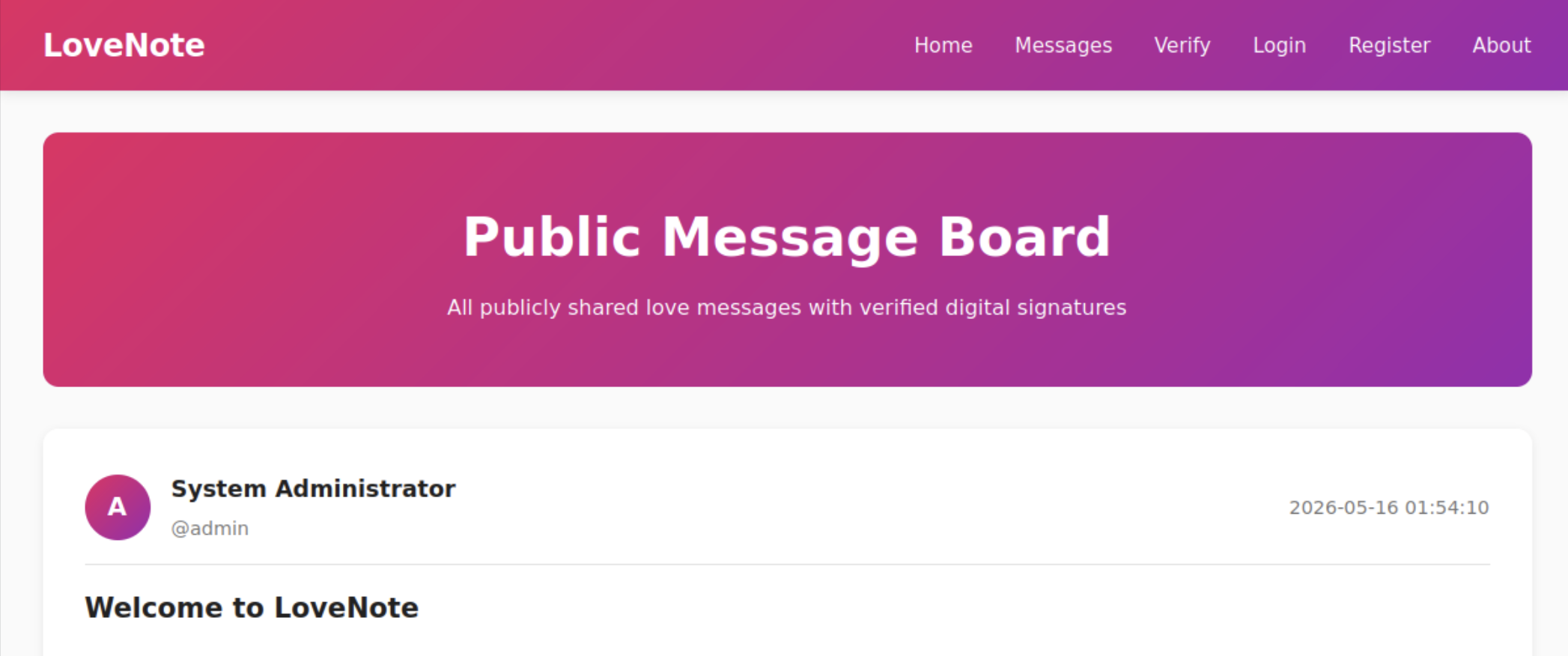
After logging in using above credentials, we can access the admin panel. The next step for us is to send a message to either public message board or newly registered user. I used the public message board as a receiver. Fill in the details and send the message. Select correct receiver and make sure to remember the message that you sent.
After sending the message, the next step is to verify the signature of the message. To do that, go to the verify page and fill Sender, Message content that you have used ealier and digital signature in hex format. Now the real problem arrives. We don’t have any digital signature. We need to generate the signature of the message that we sent. To generate the signature, we need to understand the key generation process and how the signature is created. The debug logs gave us a clear idea about the key generation process. We can replicate that process to generate the same RSA key pair as the admin user. Once we have the RSA key pair, we can use it to sign our message and get the digital signature in hex format. To do that, we can use the following Python code:
Note: Make sure to replace your_username and secret_message with the actual username and message content that you used to send the message. Also, ensure that you have the required libraries installed (sympy, pycryptodome) to run this code successfully. The code is generated using AI tools.
1
2
3
4
5
6
7
8
9
10
11
12
13
14
15
16
17
18
19
20
21
22
23
24
25
26
27
28
29
30
31
32
33
34
35
36
37
38
39
40
41
42
43
import hashlib
from sympy import nextprime
from Crypto.PublicKey import RSA
from Crypto.Signature import pss
from Crypto.Hash import SHA256

USERNAME = b"your_username"  # Replace with your actual username
DATA = b"secret_message"  # Replace with the actual message you want to sign

def derive_prime(seed_material: bytes) -> int:
    digest = hashlib.sha256(seed_material).digest()
    numeric_seed = int.from_bytes(digest, byteorder="big")
    return nextprime(numeric_seed)

# Prime generation
seed_core = USERNAME + b"_lovenote_2026_valentine"

p = derive_prime(seed_core)
q = derive_prime(seed_core + b"pki")

# RSA parameters
n = p * q
e = 65537
phi_n = (p - 1) * (q - 1)
d = pow(e, -1, phi_n)

rsa_key = RSA.construct((n, e, d))

# Hash message
message_hash = SHA256.new(DATA)

# Compute maximum valid salt length
key_bytes = (rsa_key.size_in_bits() - 1 + 7) // 8
salt_len = key_bytes - message_hash.digest_size - 2

# Generate deterministic signature
signer = pss.new(rsa_key, salt_bytes=salt_len)
signature = signer.sign(message_hash)

print("Sender Username:", USERNAME.decode())
print("Message Content:", DATA.decode())
print("Hex Signature:")
print(signature.hex())
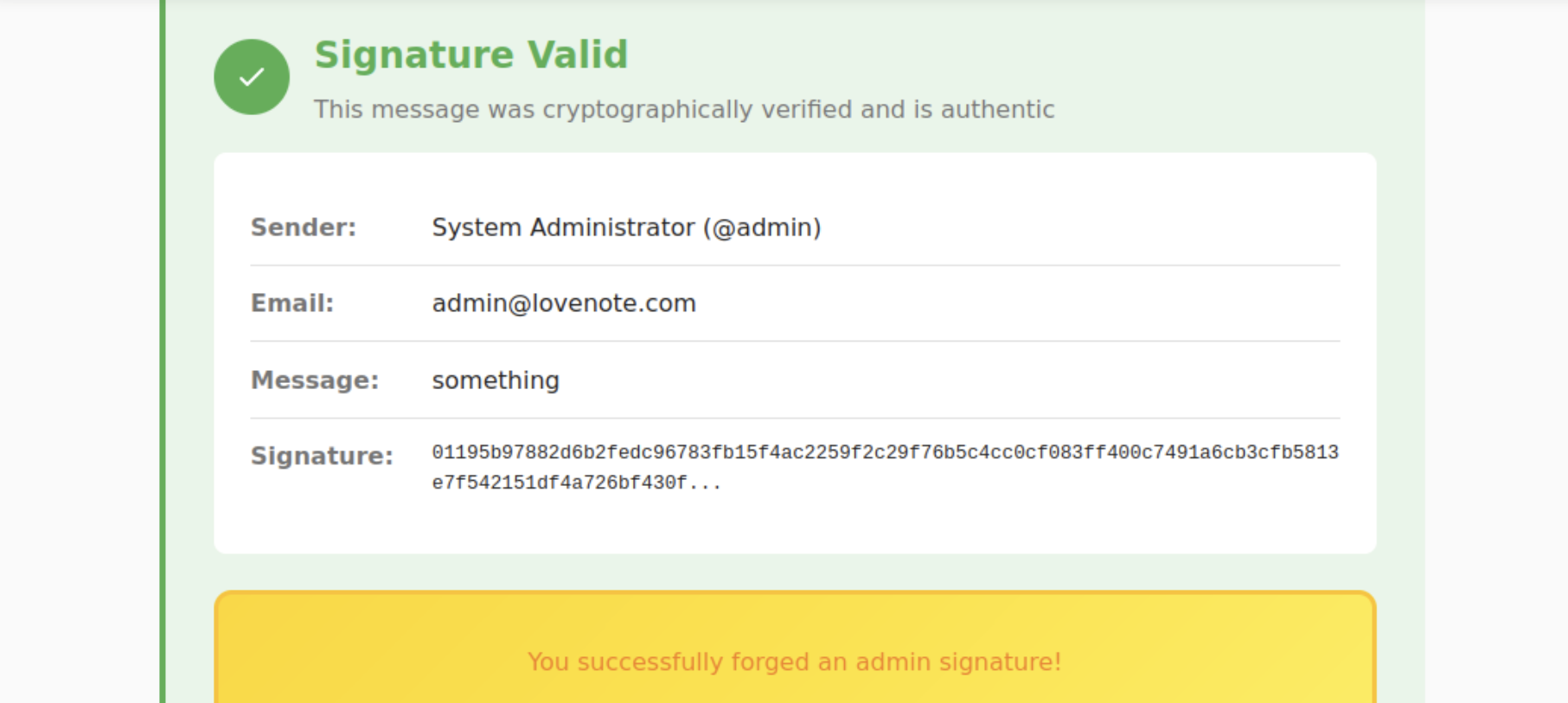
After running the code, you will get the digital signature in hex format. Copy that signature and paste it in the verify page along with the sender username and message content. If everything is correct, you will get a success message along with the flag.
Note: Verification of the admin message signature must be done in order to get a flag. You can either verify from the admin panel, public message board or reigster a new user to veify.
Another way to get the flag
There is another way to get a flag. Just register a new user by filling out details in Register page. We get a private key and a public key. Go to Verify page and fill the username as admin, Message Content and digital signature and click on Verify signature.
We can use the same message and digital signature that are used in Public Message Board because verification only checks the cryptographic validity , not the ownership/authenticity properly. Now we get the flag.
Conclusion
This room showed that even strong cryptographic algorithms like RSA can be vulnerable if not implemented correctly. The deterministic key generation process based on predictable input (username) allowed us to replicate the key pair and generate valid signatures. This highlights the importance of using secure random number generation for cryptographic keys and not exposing implementation details that can be exploited by attackers.
It also highlighted another major issue: exposing debug logs information that should not be available in production. The debug logs revealed the key generation process and the seed pattern, which was crucial for us to understand how to generate the same RSA key pair and forge signatures. This is a common mistake in development that can lead to severe security vulnerabilities if not handled properly.
Lessons Learned
- Sensitive debug information should never be exposed publicly.
- Even strong algorithms like RSA can be compromised if the key generation process is predictable.